A visa photo looks like the easiest part of an application, until it is the reason for a rejection. Wrong size, wrong background, wrong file. The Visa Photo Maker is the free tool we built to end that: pick the destination, drop in a photo, and it frames the shot to the published spec for that visa.
It covers six destination presets: US visa and passport at 51x51 mm, Schengen and EU visa at 35x45 mm, India at 51x51 mm, China at 33x48 mm, and the UK and Canada at 35x45 mm. The photo is processed entirely in your browser and is never uploaded, which matters for a picture of your face. For the Schengen preset, the spec it works to is 35 x 45 mm, 413 x 531 px at 300 DPI, on a light grey or white background.
How to make your photo
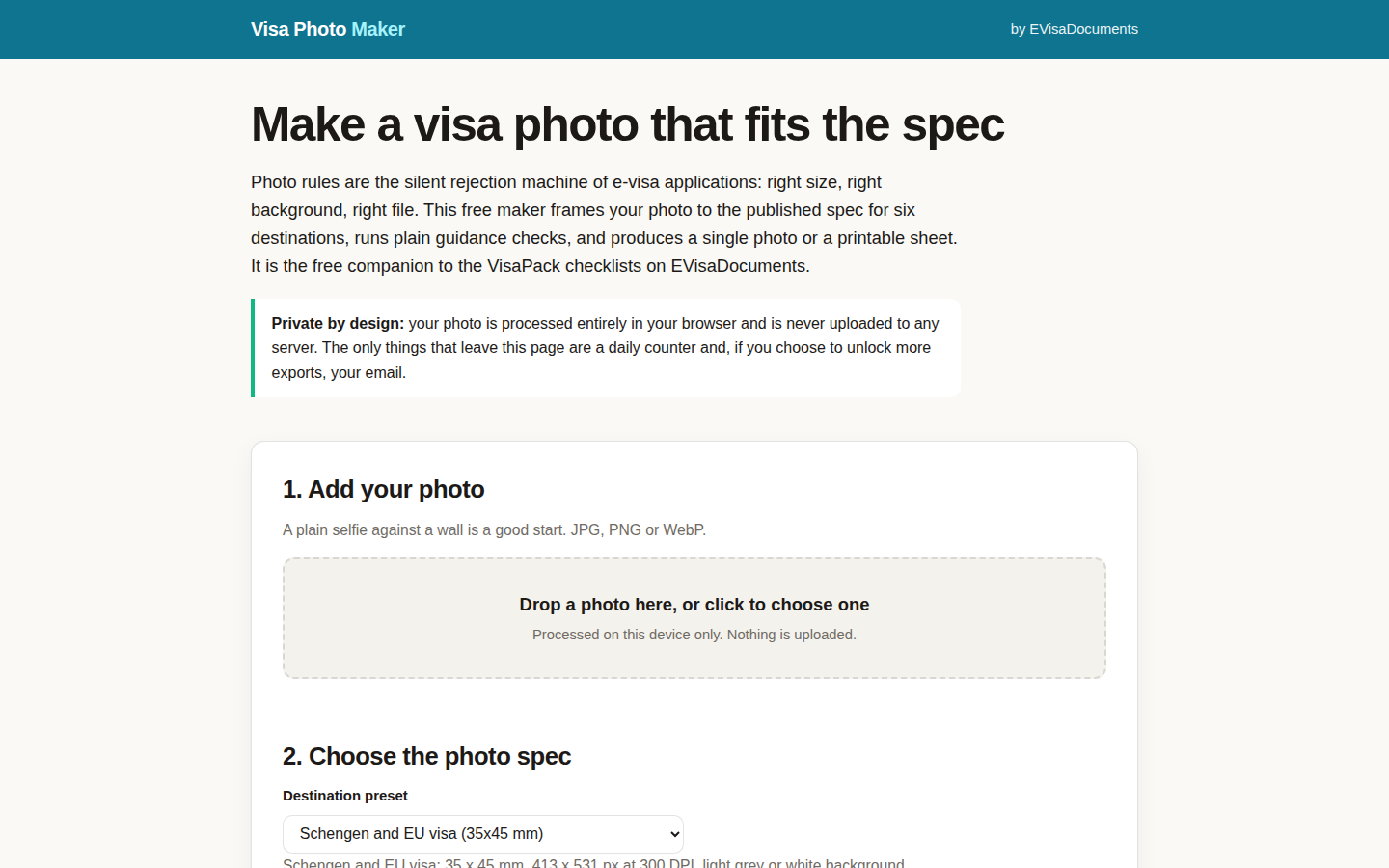
- Add a photo. A plain selfie against a wall is a good start; JPG, PNG or WebP all work.
- Choose the destination preset so the frame matches that visa's photo spec.
- Drag the photo inside the frame: crown at the top mark, eyes near the eye line, chin at the lower mark.
- Use the built-in guidance checks, whiten the background if you need to, then download the photo or a print sheet with 6 copies on a 4x6 in sheet.
Two exports a day are free on your connection; after that, an email unlocks unlimited exports for the rest of the day.
Start with the application you are actually filing: make your visa photo now. The rules behind the frame are in our guide to e-visa photo requirements, the full paperwork picture is in the e-visa documents checklist, and the companion post to this one, 6 fixes with the Photo Maker, works through the mistakes that get photos bounced. If you are not sure which countries you can enter at all, the Can I Go? Checker at VisaDocs answers it by passport, and the official word on US photos lives at travel.state.gov.